Monthly & Annual Budget
- Stay on top of your budget, month by month
- See your whole year's finances at a glance
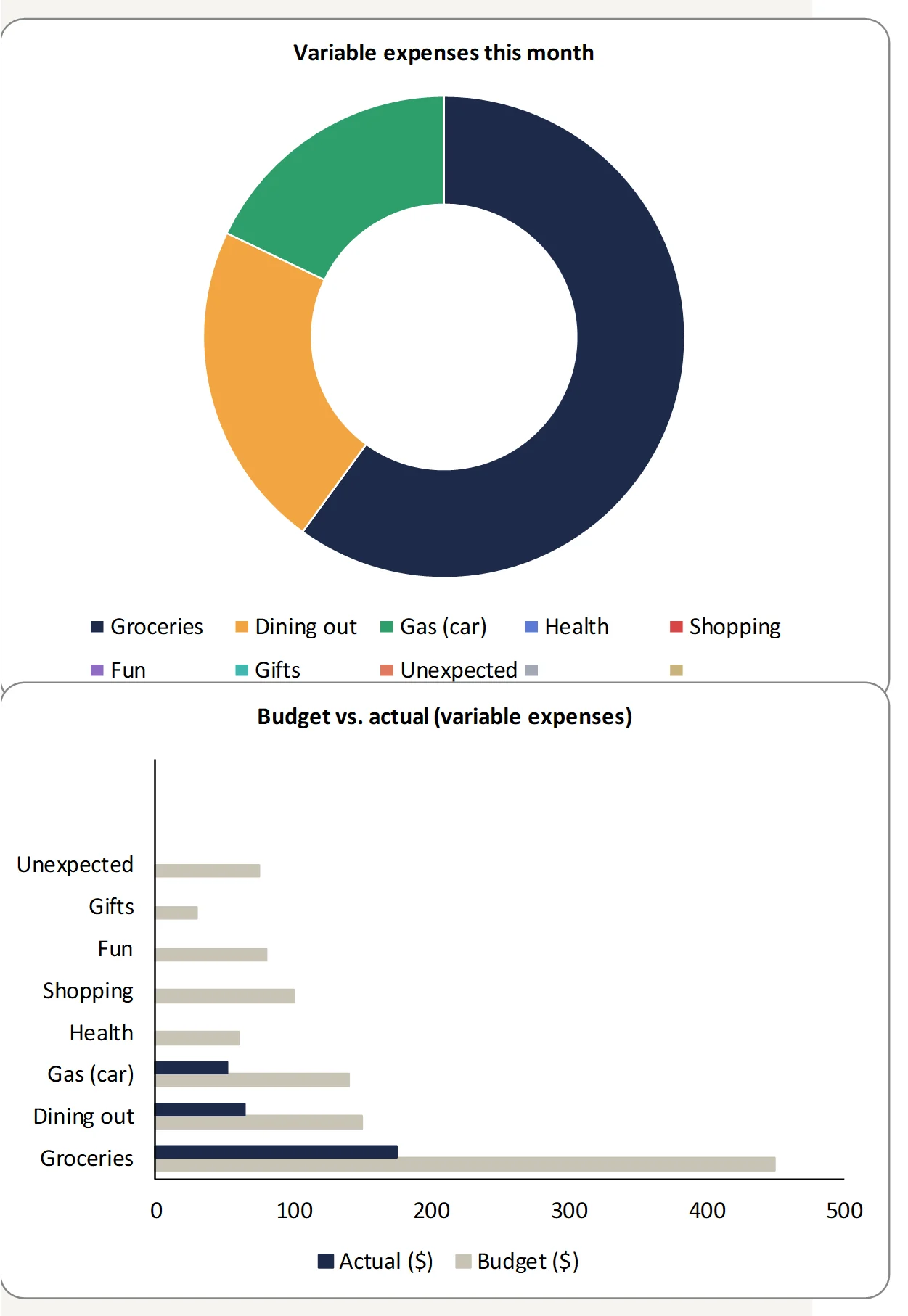
- Track your progress with clear charts



Finally take back control of your money, without the hassle
A ready-to-use template: log your expenses, plan your budget and see clearly how much you have left until the end of the month.
- Excel and Google Sheets versions
- Works with any currency ($, €, £, C$, A$…)
- Light and dark themes included
- Step-by-step guide to get started in 5 minutes
- Works on computer, tablet and phone
- Free lifetime updates
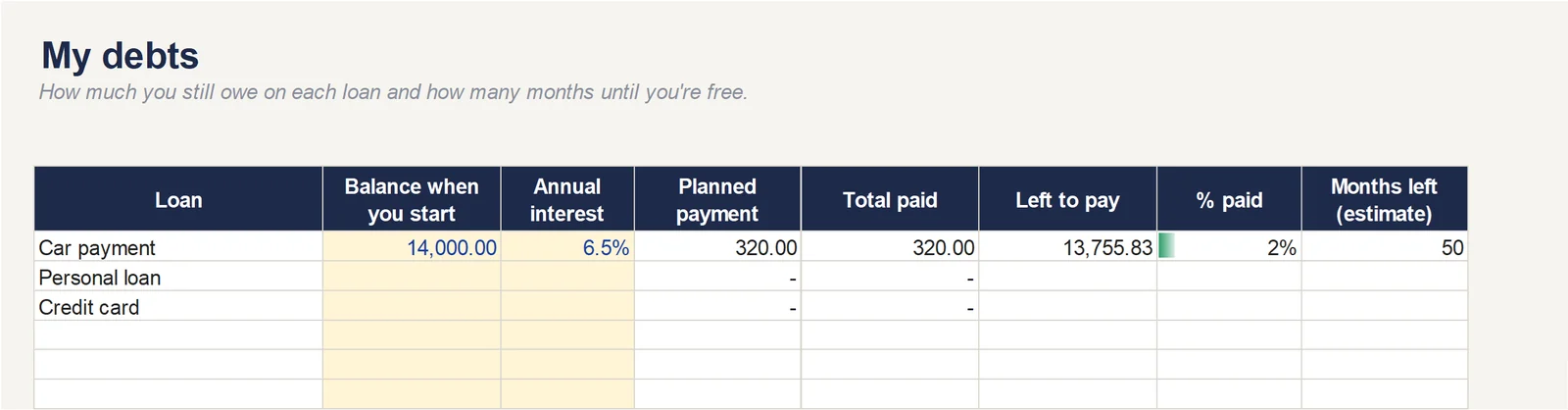
- Debts tab: how much you still owe and when you'll be debt-free
- Instant access after purchase
A simple, visual tool that actually helps
No more complicated spreadsheets or apps that leave you lost.
This template gives you a clear structure for managing your money day to day, without connecting your bank.
Track your income, expenses, debts and savings in one place, and see your progress month by month.
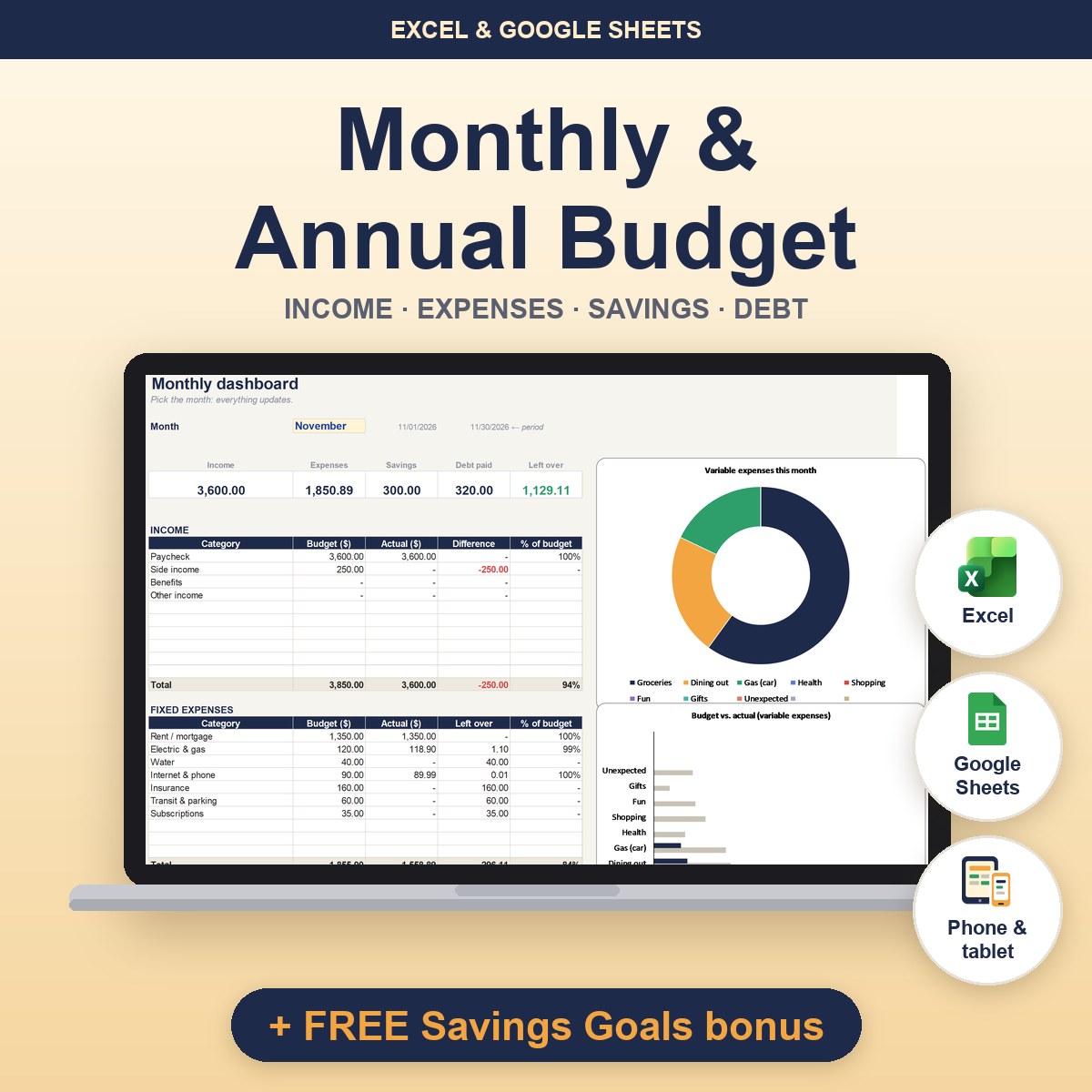
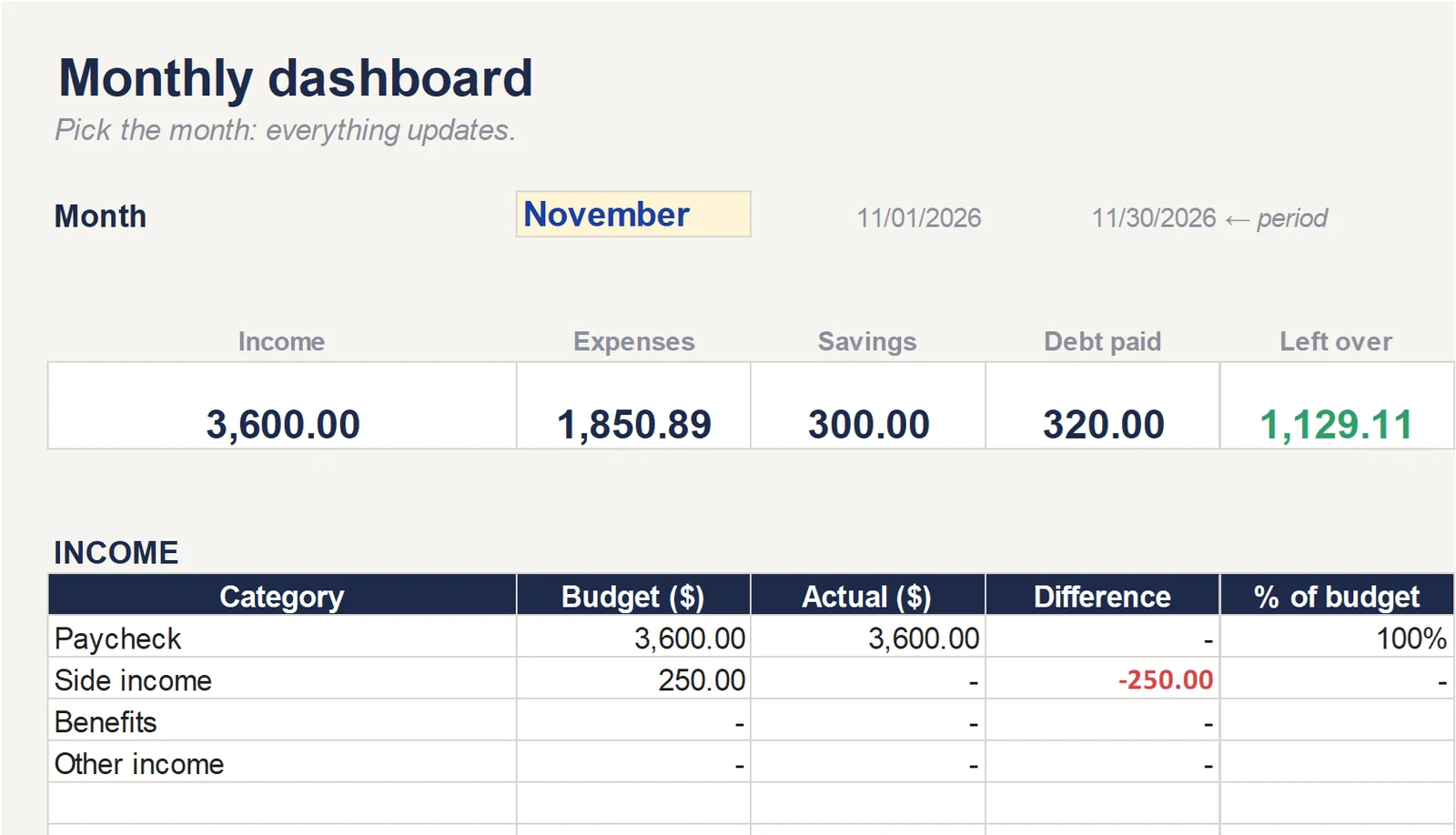
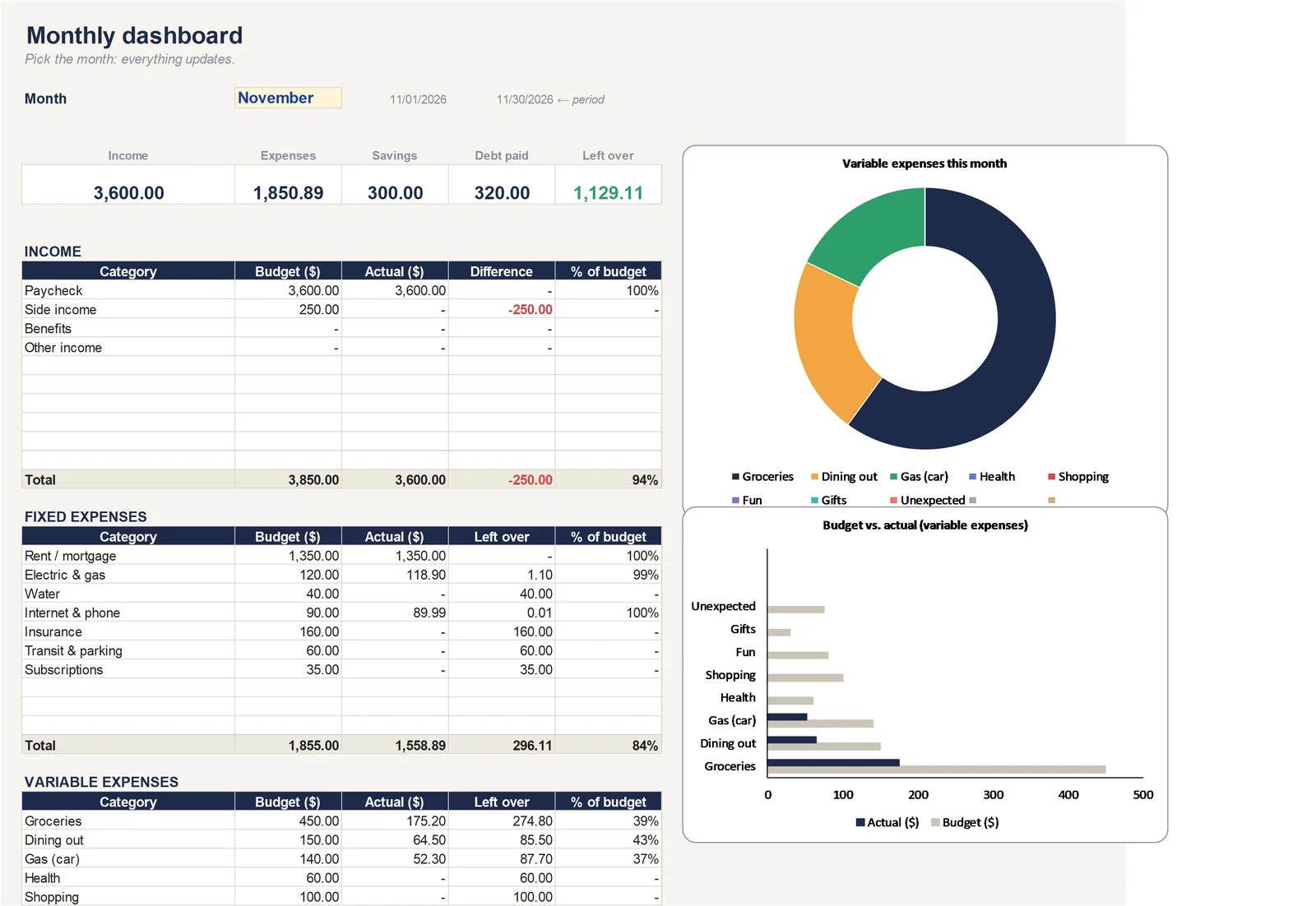
Your whole month at a glance
Customize your categories, set your budget and log your transactions…
Everything is calculated for you.
You know where your money goes and how much you have left, without the headaches.
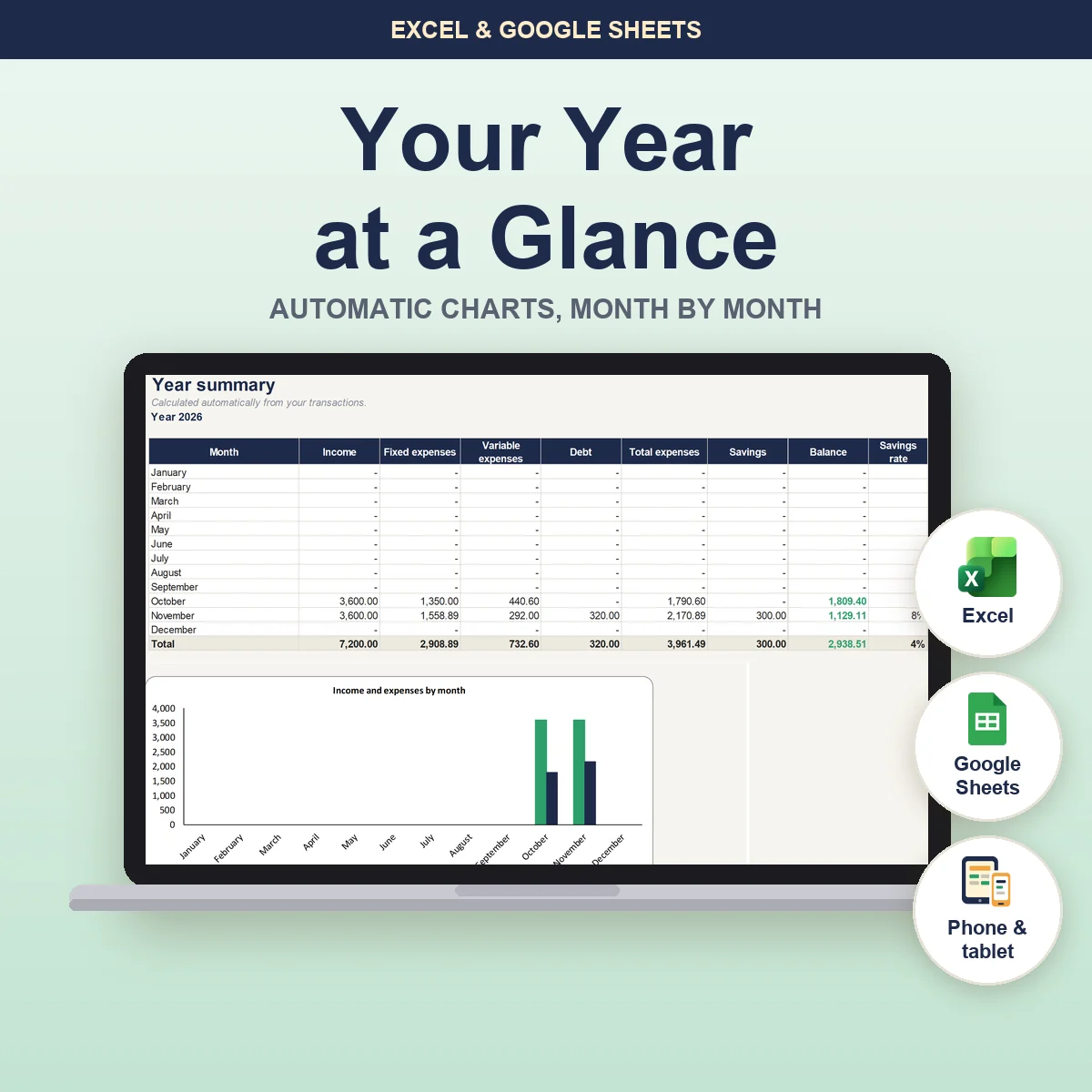
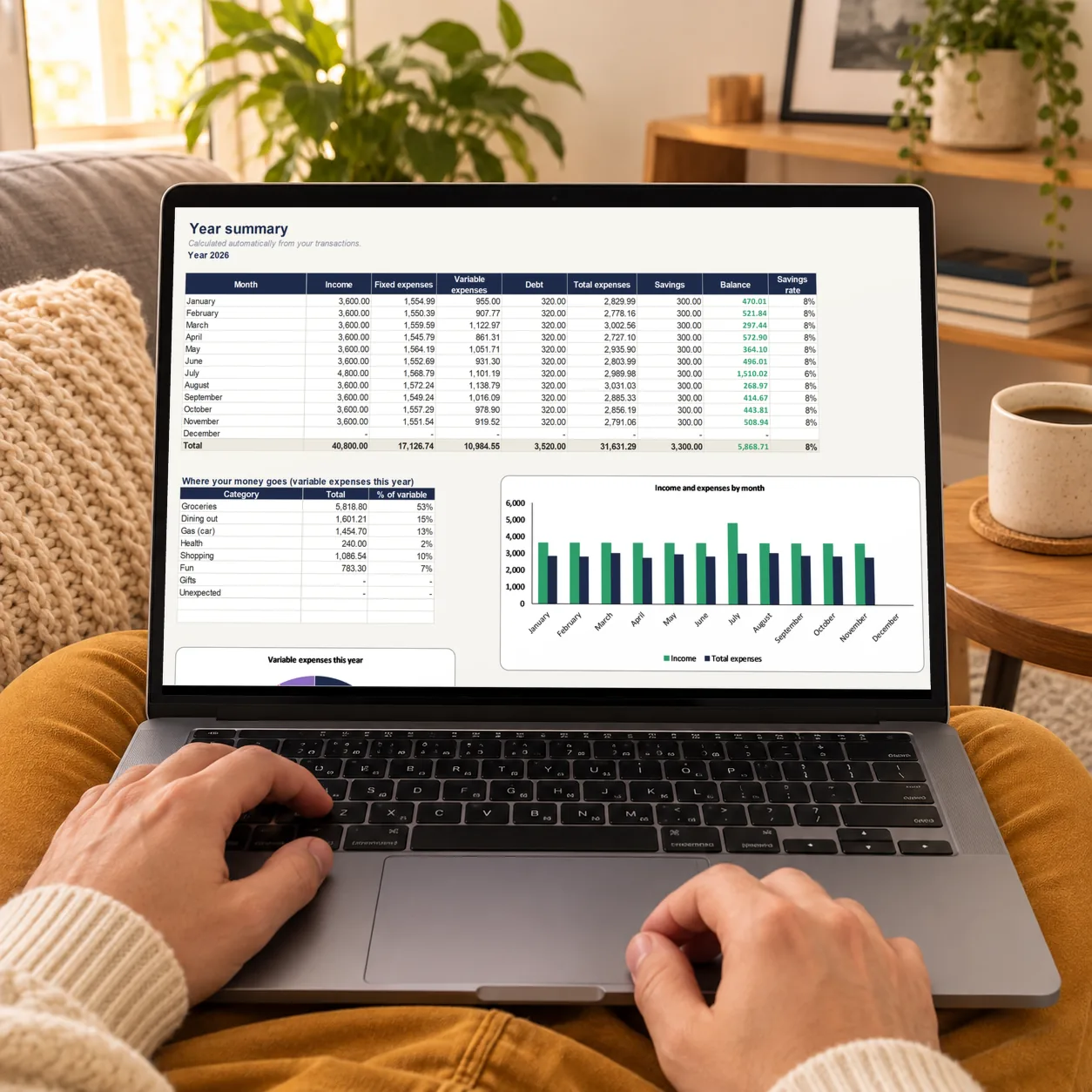
A clear view of your whole year
A dedicated tab to see how things change from month to month.
Automatic charts, yearly totals, your savings rate…
You make decisions with more perspective and more confidence.
A template that adapts to you
Some people like a bright screen. Others work better with a darker look.
Here, you choose.
The template comes in a light version and a dark version: use whichever you like best.
(drag the slider across the image to compare the two versions)
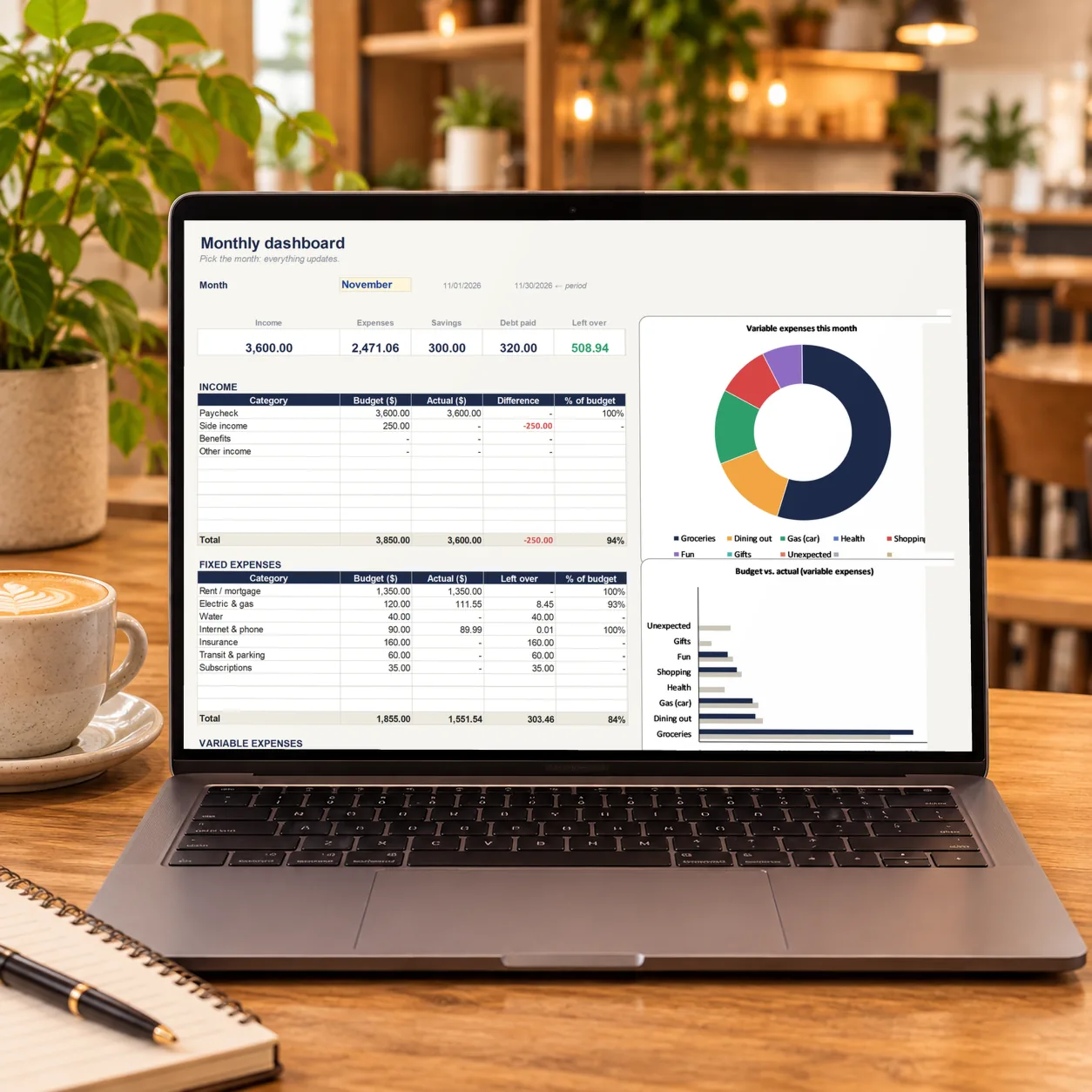
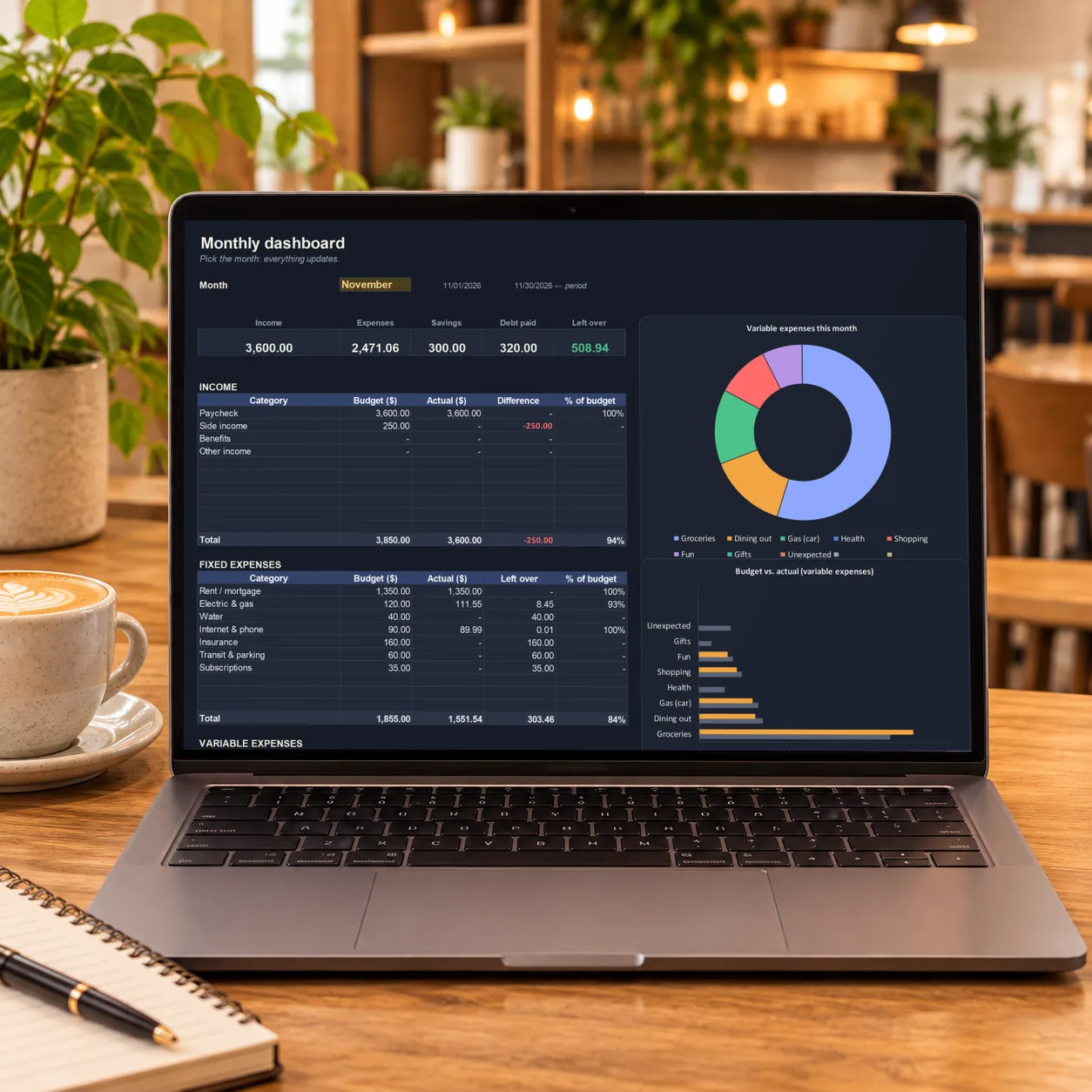 LightDark
And your debts, finally under control
Enter what you still owe on each loan or card.
The template tracks your payments, shows how much is left and works out how many months until you're debt-free.
← Swipe to see the full table →
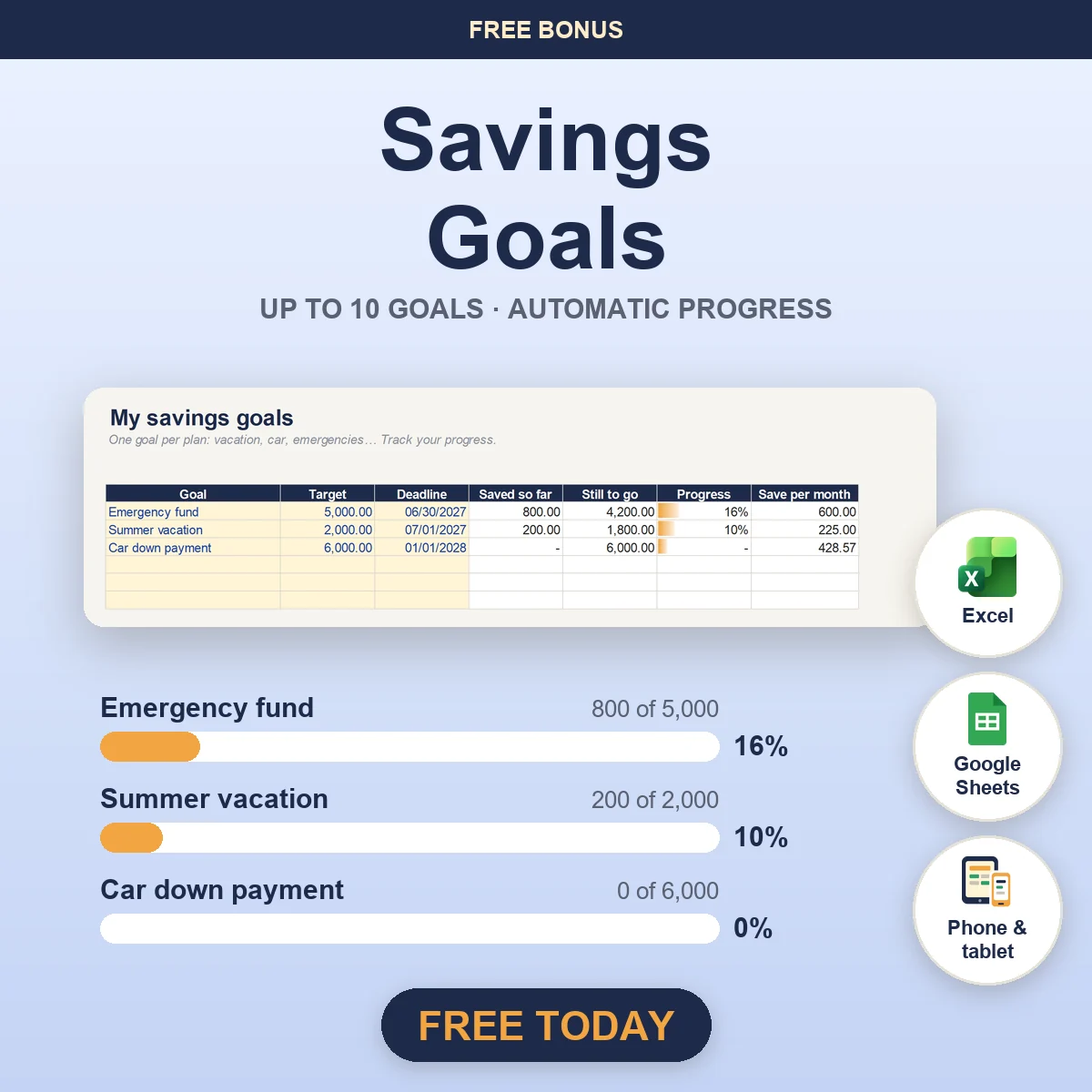
🎁 A FREE BONUS
Buy today and get it free: the Savings Goals template.
A simple, visual tool to plan for your goals, your treats and the unexpected… stress-free. It tells you how much to set aside each month to get there on time.
FREE! €9.95
Click Add to cart to get your templates now.
- ✓Instant download after purchase
- ✓Excel and Google Sheets versions included
- ✓Step-by-step guide
- ✓Works with any currency
- ✓Works on computer, tablet and phone
- ✓Free lifetime updates
Frequently asked questions
When and how do I get the template after I buy?
Right after you pay, you land on your access page. There you download the Excel file and the bonus, and open the Google Sheets version (a copy is created in your account). Within a few minutes you'll get your receipt by email, plus a message with the link to that page (check your spam folder too). Save it so you can come back anytime and get the updates. Can't find it? Email us at [email protected] from the address you used to buy and we'll send it again. On your statement, the charge shows up as PROVADO SEO, the owner's trade name.
Does it work in Excel and in Google Sheets?
Yes. You get both versions. Google Sheets is free with a Google account; Excel works on Windows, Mac, tablet and phone.
Is it easy to use even if I know nothing about Excel?
Yes. You don't need to be an expert: just fill in the cream-colored cells and everything else is calculated for you. The Start tab walks you through it step by step.
Can I use it with my currency?
Yes. Just type your currency symbol in the Settings tab: $, €, £, C$, A$… whatever you use.
Can I start at any time of the year?
Of course. Start in any month you like; next year, just change the year in Settings.
Does it work on a phone or tablet?
Yes, with the Google Sheets or Excel app. For the first setup, a computer is more comfortable.
Do I have to connect my bank?
No. It never asks for access to your bank or your data: you enter your transactions and the template does the math.
Is there a subscription?
No. You pay once and the file is yours forever, updates included.
Can I change the categories?
Yes. Rename, add or delete categories and budgets in the Settings tab: the whole file adapts.
What if I run into a problem?
Email us at [email protected]: we reply within 2 business days at most and help you get started. If the file doesn't work and we can't fix it, we'll refund your money (details in the terms of sale).
Customer reviews
Reviews from our first customers will appear here. Already bought it? Tell us what you think: your feedback really helps us.